
MAMBA MANAGEMENT APP
Trade Smarter, Not Harder.
Automate your risk management and stay focused on the setups that matter.
Illustrative app screenshot. Figures shown are from a demo account and do not represent actual or expected returns.
01 WHAT MAMBA DOES
Trading Mode
Adaptive strategies for every trader. Choose Growth or Superscalping with instant account tracking and effortless MT5 sync.
Advanced Configuration
Precision trading at your fingertips. Customize your Take Profit, Stop Loss, and Break Even parameters effortlessly.
Secure MT5 Authentication
Connect multiple MT5 accounts with secure authentication, login history, and seamless account switching capabilities.
02 BUILT FOR ACTIVE TRADERS
MOBILE-FIRST TRADING
The first true bridge between mobile lifestyle and algorithmic trading power. Trade from anywhere, anytime.
INSTANT ADAPTABILITY
Update EA settings mid-trade without interruptions. The EA adapts to new parameters instantly, saving time and reducing errors.
TRADE ALERTS
Push notifications when a stop moves to breakeven, a trail activates, or a position closes — so you know where every trade stands without watching the terminal.
MAMBA CASE SCENARIOS
Real-world trading protection in action
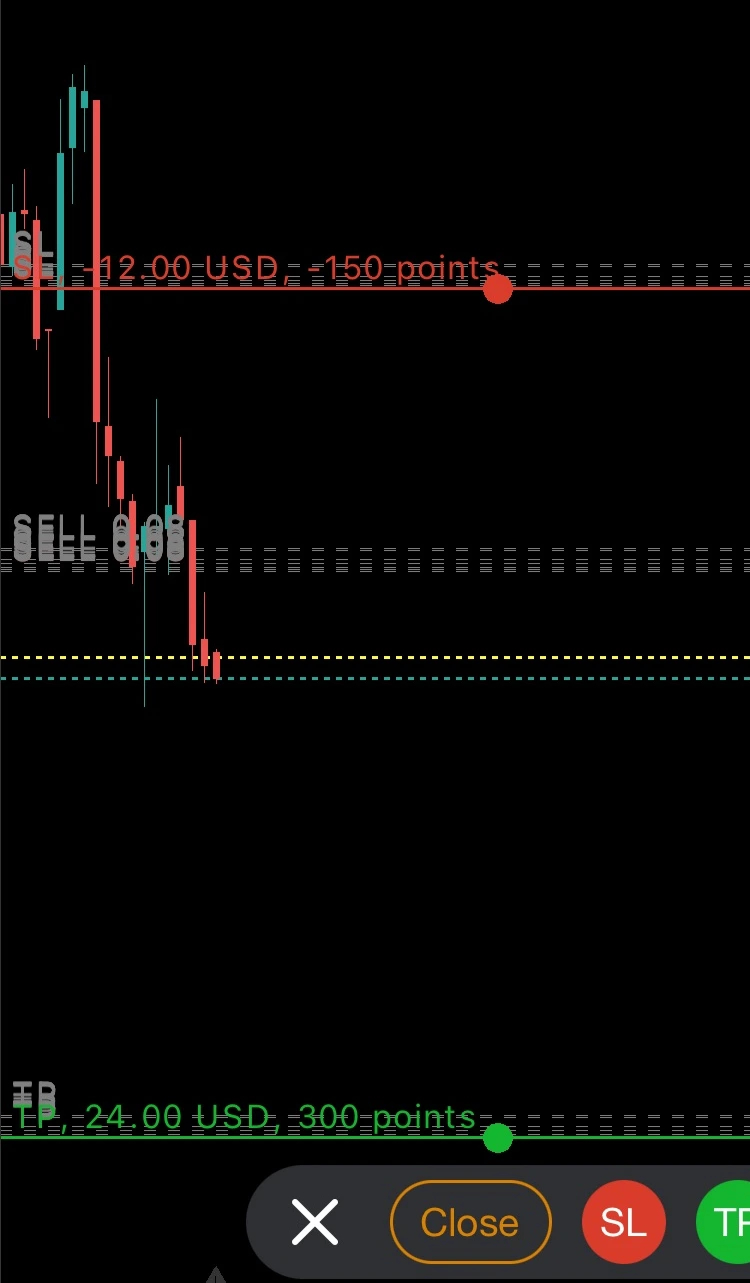
Automatic TP & SL Protection
Every trade is automatically protected with Take Profit and Stop Loss levels. Set your risk parameters once, and Mamba ensures every position is safeguarded without manual intervention.
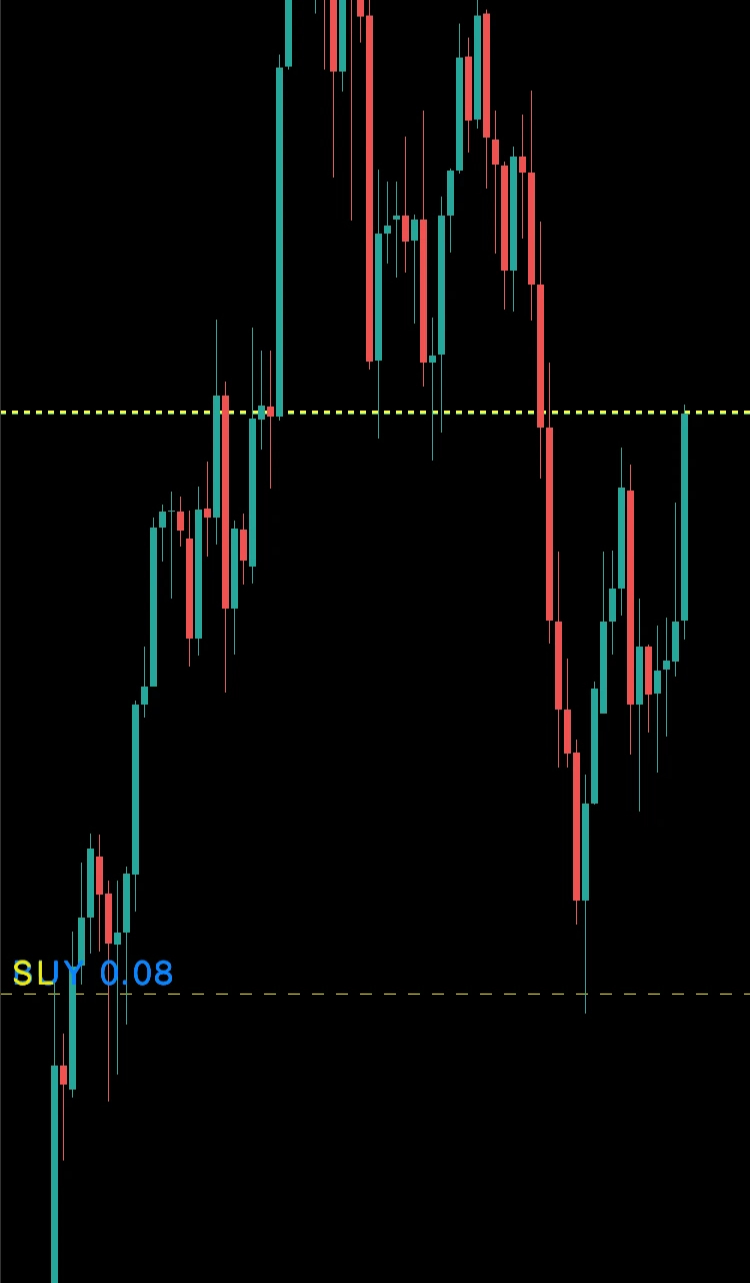
V1 - Smart Breakeven
V1 Growth strategy automatically moves your stop loss to breakeven when profit targets are reached. Lock in gains and eliminate risk once your trade runs in profit.
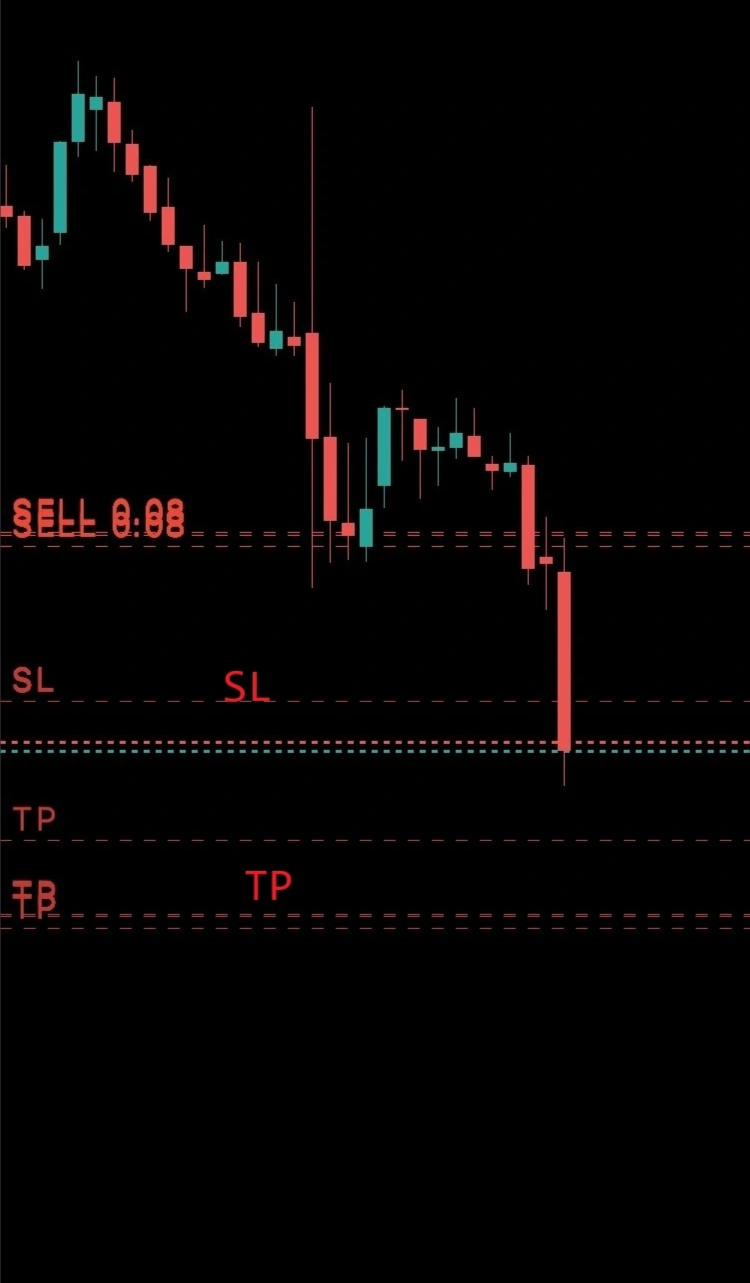
V2 - Dynamic Trailing Stop
V2 Superscalping features intelligent trailing stop that follows price movement. As profit increases, the breakeven point automatically adjusts, securing maximum gains while protecting against reversals.
03 GET STARTED
SET UP IN THREE STEPS
Open an MT5 account with our partner broker, install the app, and connect it to your account. Mamba is free to use — we are compensated by the broker as an Introducing Broker, at no extra cost to you.
OPEN TRADING ACCOUNT WITH VALETAX
Built for Traders Who Value Security and Speed. Valetax is the broker Mamba connects through. You trade with them directly — Mamba never holds or has access to your funds.
- ✓ MetaTrader 5 accounts
- ✓ Free demo account available
- ✓ Valetax International Ltd — Mauritius FSC licence GB21026312
- ✓ Funds held by Valetax, never by Mamba
DOWNLOAD MAMBA MANAGEMENT APP
Reimagine What Mobile Trading Can Do. Cutting-edge technology meets real-time management and instant performance — all from the palm of your hand.
- ✓ Real-time trade alerts
- ✓ Adjust settings mid-trade
- ✓ Manage multiple MT5 accounts
- ✓ Free to download and use
START TRADING FROM ANYWHERE AROUND THE WORLD
Your Trading. Fully Mobile. Track positions, fine-tune parameters, and manage multiple trades effortlessly — whether you’re traveling, in meetings, or relaxing.
- ✓ Global server connectivity
- ✓ Real-time P&L tracking
- ✓ Multi-account management
04 PRICING & COMMON QUESTIONS
Mamba is free to use. We earn from the broker, not from you — and we never hold your funds. The full detail is below.
What does Mamba cost?
Mamba is free to download and use. We are compensated by Valetax as an Introducing Broker, based on the trading activity of accounts referred under our partner code. This does not add anything to your trading costs — your spreads and commissions are the broker's standard rates either way.
Do I need a Valetax account?
Yes. Mamba manages trades on a MetaTrader 5 account held with Valetax, our partner broker. If you already have a Valetax account you can ask us to move it under our partner code instead of opening a new one.
Can I try it without risking money?
Yes. Open a free Valetax demo account and run Mamba against simulated funds. Nothing is deposited and no real money is at risk while you are on a demo server.
Does Mamba hold or access my money?
No. Your funds stay with the broker. Mamba connects to your MT5 account to manage open trades — it cannot deposit, withdraw, or transfer anything.
Does Mamba decide what to trade?
No. Mamba is a trade-management tool, not a signal service and not investment advice. You open positions; Mamba applies the stop-loss, breakeven and trailing-stop rules you configure.
What happens if I stop using Mamba?
Your broker account is yours and remains yours. You can stop using the app at any time; any settings it was applying simply stop being applied.
Which devices are supported?
iOS 15.1 or later, and Android. The app is published as Mamba Management by Rahsia Bumi Enterprise.